

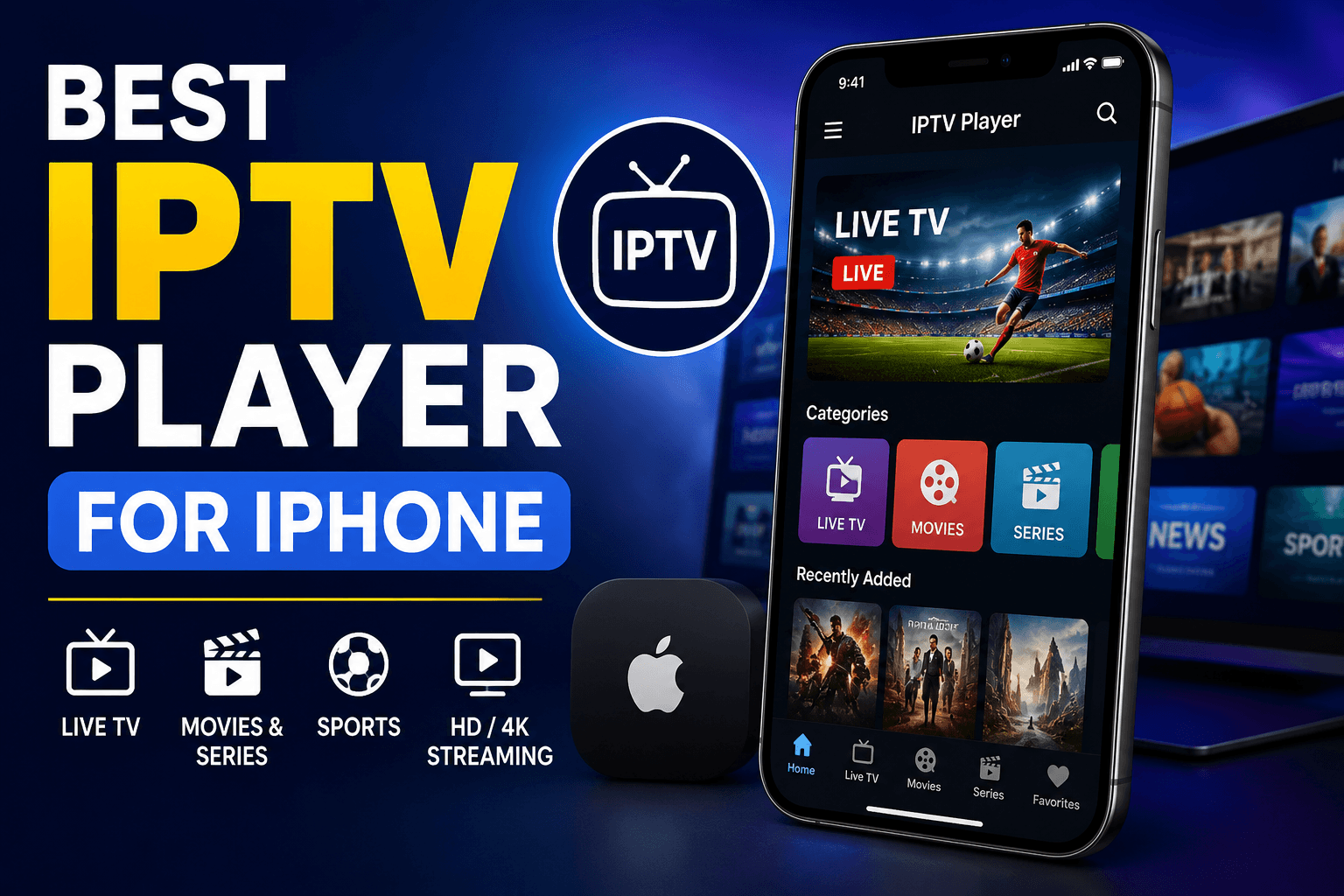
Finding the Best IPTV Player for iPhone can make a huge difference in your streaming experience. The right app offers smooth playback, an easy to use interface, and reliable performance for watching your favorite live TV channels and on-demand content.
With so many IPTV players available on the App Store, choosing the right one isn’t always easy. Some apps offer advanced features, while others focus on speed, simplicity, and compatibility with different IPTV playlists.
In this guide, we’ll review the best IPTV players for iPhone, compare their key features, and help you choose the one that fits your needs. Whether you’re new to IPTV or looking for a better player, you’ll find the right option here.
Can I play IPTV On My iPhone?
Yes, you can play IPTV on your iPhone using a compatible IPTV player available on the App Store. These apps let you stream live TV channels, movies, sports and series by adding an M3U playlist or Xtream Codes provided by your IPTV service.
Most IPTV players for iPhone are easy to set up and support useful features like EPG, favorites, multiple playlists, and HD or 4K playback. A reliable player also gives you a smooth and user-friendly streaming experience.
To enjoy the best performance, choose a trusted IPTV player and use a stable internet connection. Once your IPTV subscription is added, you can watch your favorite content on your iPhone anytime and from almost anywhere.
Best IPTV Player for iPhone
Every app on this list has its own strengths, whether you value a clean interface, advanced features, or smooth playback. Choosing the right one comes down to your personal preferences and streaming habits.
I would like to clarify that neither these apps nor we provide any copyrighted content so you will have to first explore the legal IPTV service and then purchase the plan from them after that they activate your account and send you details that you can use to these apps to access the service.
Here are the 5 Best IPTV Player for iPhone:
1. GSE Smart IPTV
GSE Smart IPTV is a trusted choice for iPhone users who want a flexible streaming experience. It supports multiple playlist formats and makes managing channels simple.
The app offers a clean interface that works well for both beginners and experienced users. You can organize your content quickly and start watching without confusion.
Key Features:
- Supports M3U and JSON playlist formats with easy importing.
- Built-in EPG support for viewing program schedules.
- Chromecast compatibility for streaming on bigger screens.
- Advanced parental controls for family-friendly viewing.
- Multiple theme options for a personalized interface.
- Subtitle support for international content and movies.
- Automatic playlist updates for better convenience.
- External player integration for flexible playback.
- Easy playlist management with organized categories.
- Smooth HD playback with reliable streaming performance.
Pros:
- Simple and user-friendly interface.
- Supports multiple playlist formats.
- Reliable EPG integration.
- Chromecast support included.
- Easy playlist organization.
- Good playback quality.
- Frequent feature updates.
Cons:
- Some advanced features require a premium version.
- Initial setup may confuse new users.
- Interface looks slightly outdated.
GSE Smart IPTV is a dependable option for users who want plenty of customization. Its rich features make daily streaming easier and more enjoyable.
Whether you’re watching live TV or on-demand content, the app delivers a stable experience. It’s a solid choice for anyone looking for flexibility.
2. IPTV Smarters Pro
IPTV Smarters Pro is well known for its modern design and smooth performance. It gives iPhone users an organized way to enjoy live channels and video content.
Everything is neatly arranged, making navigation quick and effortless. Even first-time users can find their favorite content within minutes.
Key Features:
- Modern interface with simple navigation menus.
- Supports live TV, movies, and series libraries.
- Multi-screen viewing for compatible devices.
- Built-in video player with smooth playback.
- External player compatibility for added flexibility.
- EPG integration for channel schedules.
- Playlist management with quick loading times.
- Favorites section for faster access.
- Multiple login methods for convenience.
- High-quality streaming with stable performance.
Pros:
- Clean and attractive interface.
- Easy account setup.
- Smooth HD playback.
- Fast navigation.
- Supports multiple content categories.
- Built-in player works well.
- Regular app improvements.
Cons:
- Premium features require payment.
- Some providers may need manual configuration.
- Occasional buffering depends on internet speed.
IPTV Smarters Pro combines simplicity with powerful features in one application. It works well for users who value speed and ease of use.
Its organized layout helps you spend less time searching and more time enjoying your favorite entertainment.
3. IPTVX

IPTVX focuses on delivering a premium viewing experience for Apple users. Its elegant design makes browsing channels feel smooth and enjoyable.
The app blends speed with useful features, making it a favorite among users who appreciate a polished interface. Everything feels responsive and easy to access.
Key Features:
- Beautiful Apple-inspired interface with smooth animations.
- Supports M3U playlists and Xtream Codes login.
- Cloud synchronization across compatible Apple devices.
- Advanced search for quick content discovery.
- Detailed EPG with attractive program layouts.
- Picture-in-picture support for multitasking.
- Automatic playlist refreshing for updated channels.
- Favorites and recently watched sections.
- High-definition streaming with excellent stability.
- Dark mode support for comfortable viewing.
Pros:
- Premium-looking interface.
- Excellent Apple device optimization.
- Fast navigation speed.
- Cloud sync support.
- High-quality playback.
- Great EPG presentation.
- Easy content organization.
Cons:
- Some features are subscription-based.
- Designed mainly for Apple ecosystem users.
- Advanced options may take time to learn.
IPTVX stands out with its stylish design and smooth overall performance. It feels polished from the moment you start using it.
For users who enjoy a premium Apple experience, this app offers convenience, speed, and reliable streaming in one package.
4. SWIPTV
SWIPTV offers a simple streaming experience with an interface that is easy to understand. It focuses on making channel navigation quick and hassle-free.
The app is suitable for users who prefer a lightweight design without unnecessary complexity. Everything is arranged for smooth daily use.
Key Features:
- Quick playlist importing with simple setup process.
- User-friendly interface for all experience levels.
- Stable HD playback with minimal interruptions.
- Built-in favorites management for faster access.
- EPG support for program scheduling.
- Regular application performance improvements.
- Smooth navigation between channels and categories.
- Secure login for supported IPTV services.
- Responsive controls during video playback.
- Optimized performance for iPhone devices.
Pros:
- Lightweight application.
- Easy to use.
- Smooth streaming experience.
- Fast playlist loading.
- Clean interface.
- Good channel organization.
- Reliable overall performance.
Cons:
- Fewer customization options.
- Limited advanced features.
- Smaller feature set than some competitors.
SWIPTV is a practical solution for users who value simplicity over complexity. Its clean design keeps everything easy to manage.
If you want a straightforward streaming app without extra clutter, this one is worth considering for everyday use.
5. Flex IPTV
Flex IPTV provides a balanced mix of performance and ease of use on iPhone. It lets users organize their playlists while keeping navigation smooth and responsive.
The app is designed for people who want reliable playback without spending time learning complicated settings. Everything feels simple from the beginning.
Key Features:
- Fast playlist loading with simple import options.
- Supports popular IPTV playlist formats.
- Built-in EPG for viewing program information.
- Smooth HD streaming with reliable playback.
- Favorites section for quick channel access.
- Clean interface with intuitive navigation.
- Stable performance on compatible iPhone models.
- Regular updates for improved functionality.
- Organized categories for easier browsing.
- Simple controls for comfortable daily use.
Pros:
- Easy installation process.
- Beginner-friendly interface.
- Stable streaming quality.
- Quick channel access.
- Supports EPG.
- Lightweight performance.
- Smooth overall navigation.
Cons:
- Limited premium features.
- Interface customization is basic.
- Feature availability depends on your IPTV provider.
Flex IPTV is a reliable option for users looking for a smooth and uncomplicated streaming experience. It balances useful features with an easy to use interface.
If your priority is stable performance and simple navigation, this app can be a dependable choice for watching your favorite content on an iPhone.
Compare the features, pros, and cons before making your decision. A reliable player can make your entertainment experience smoother, faster, and more enjoyable every day.
Frequently Asked Questions (FAQs)
Still have questions? Here are the most common FAQs people search for before choosing an IPTV player for iPhone. These quick answers are easy to read and help you make the right choice.
Here are the common FAQs on Best IPTV Player for iPhone:
What is the best IPTV player for iPhone?
The best IPTV player for iPhone is one that offers smooth streaming, supports M3U playlists, and has an easy-to-use interface.
Apps like GSE Smart IPTV, IPTV Smarters Pro, IPTVX, SWIPTV, and Flex IPTV are among the top choices.
Can I play IPTV on my iPhone?
Yes, you can play IPTV on your iPhone by installing an IPTV player from the App Store.
Simply add your IPTV playlist or Xtream Codes login to start watching live TV and on-demand content.
Is IPTV legal on iPhone?
Yes, IPTV players are legal because they only play the content you add to them.
The legality depends on whether your IPTV provider has the rights to stream the content.
Which IPTV player supports M3U playlists on iPhone?
Most popular IPTV players for iPhone support M3U playlists and URL imports.
This lets you quickly load your channels and start streaming in just a few minutes.
Do I need an IPTV subscription to use an IPTV player?
Yes, an IPTV player does not include channels or movies by itself.
You’ll need an active IPTV subscription to access live TV and video content.
Can I watch live TV on my iPhone with IPTV?
Yes, a compatible IPTV player lets you stream live TV directly on your iPhone.
A stable internet connection helps ensure smooth playback without buffering.
Which IPTV player is easiest to use on iPhone?
The easiest IPTV players have a simple interface, fast setup, and smooth navigation.
They’re ideal for beginners who want to start streaming without any technical knowledge.
What features should I look for in the best IPTV player for iPhone?
Look for support for M3U playlists, Xtream Codes, EPG, subtitles, and HD playback.
Regular updates and a clean interface also improve your overall streaming experience.
Do IPTV players work on all iPhone models?
Most IPTV players work on iPhones running a supported version of iOS.
Keeping your iPhone and the app updated ensures the best performance.
Is a free IPTV player good enough for iPhone?
Free IPTV players are suitable for basic streaming and everyday use.
Premium versions usually offer extra features, fewer ads, and a better user experience.
These FAQs answer the questions most iPhone users ask before choosing an IPTV player. They also help your article provide quick, useful information that readers and search engines appreciate.
Conclusion
Choosing the best IPTV player for iPhone comes down to the features that matter most to you, including smooth streaming, playlist support, and an easy to use interface. The right player can make watching live TV, movies, and shows much more enjoyable on your iPhone.
Whether you prefer a free IPTV player or a premium option, always choose an app that is secure, regularly updated, and compatible with your IPTV service. This helps you enjoy a reliable streaming experience without unnecessary interruptions.
If you’re also searching for an IPTV service with a free trial, the best IPTV for sports, or a trusted IPTV provider in the USA, be sure to explore our related guides. They’ll help you find the right service to match your streaming needs and budget.
We hope this guide has helped you find the best IPTV player for iPhone with confidence. Pick the app that suits your needs, connect your IPTV subscription, and enjoy seamless entertainment anytime, anywhere.
